

When you start looking into electronic shelf labels, it's easy to get fixated on the price of a single tag. But that's like judging the cost of a car by its tires. The reality is, the true investment goes far beyond the hardware on the shelf.
You're not just buying tags; you're investing in a complete system. To get a real handle on the electronic shelf tags cost, you need to look at the entire ecosystem—the hardware, the software that runs it, the setup, and the ongoing support.
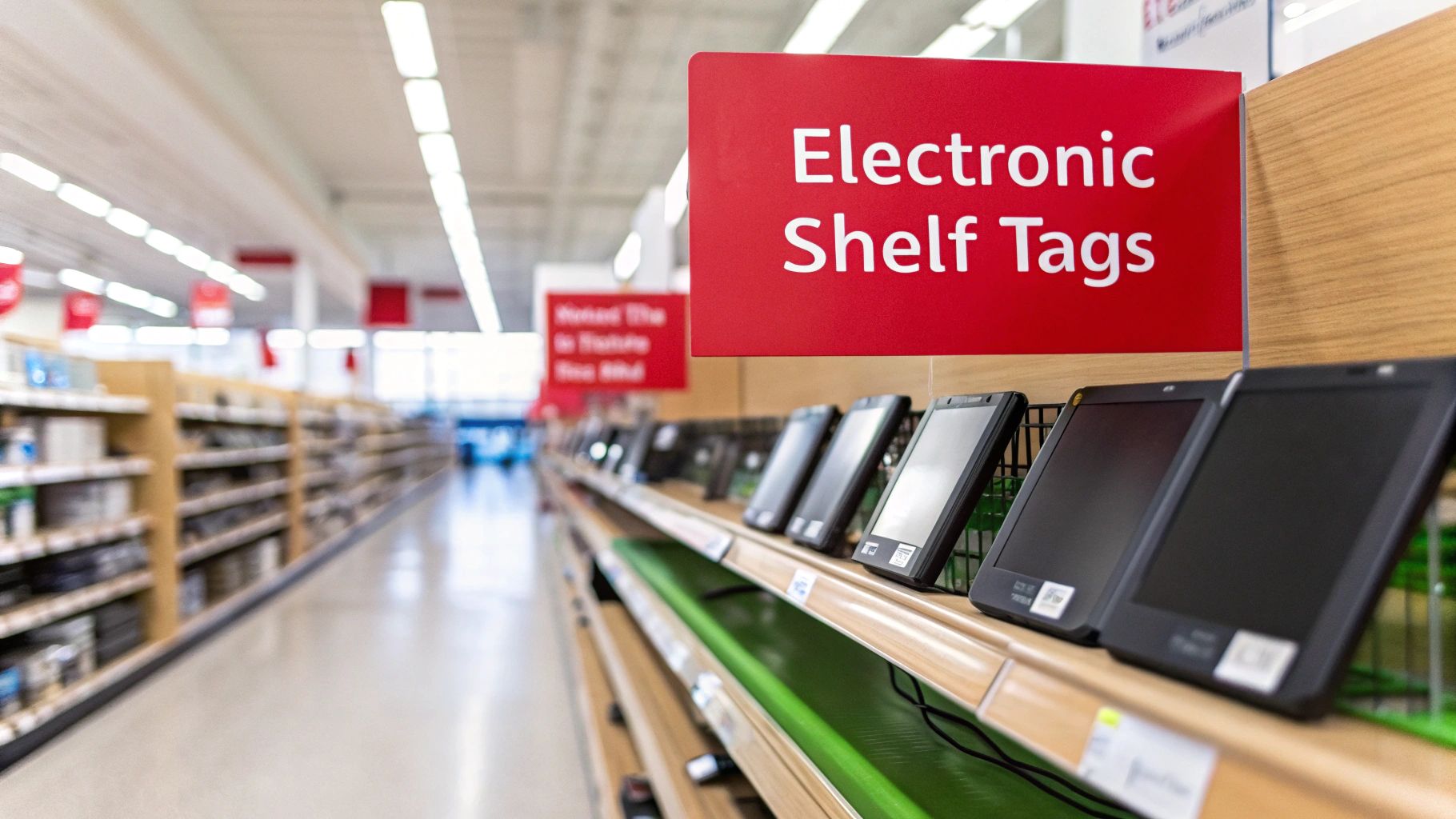
What Goes Into the Total Price Tag?
So, where does the money actually go? The initial setup costs are often the first thing people look at, and for good reason. This is where you purchase the physical tags themselves, along with the network gateways that allow your central system to talk to every single label in the store. It’s the essential foundation for everything that comes next.
But let’s break it down even further. A successful ESL rollout really has four key cost centers you need to account for.
- Hardware: This is the most visible part—the actual electronic shelf labels and the communication access points or gateways needed to create the network.
- Software: Think of this as the command center. It's the platform you'll use to manage all your price updates, push promotions, and gather data.
- Installation: This covers the labor of getting everything up and running. Whether you hire a professional team or use your own staff, there's a cost to getting the tags on the shelves and the network configured correctly.
- Maintenance & Support: This is the long-term part of the equation. It includes software updates, access to technical support, and any hardware replacements you might need down the road.
Taking a comprehensive view from the start helps you avoid any nasty surprises later on. It's a strategic move that more and more retailers are making. In fact, the global ESL market was valued at USD 1.85 billion in 2024 and is expected to climb to USD 7.54 billion by 2033, according to research from Grand View Research. That's a clear sign that retailers see the value in this kind of efficiency.
Before we dive deeper into each category, here's a quick summary of the main components that make up your total investment in an ESL system.
Core Components of an ESL System Investment
| Cost Component | What It Covers | Typical Cost Structure |
|---|---|---|
| Hardware | Physical tags, gateways/access points, mounting hardware. | One-time upfront purchase. |
| Software | Management platform, analytics, and integration tools. | Subscription fee (SaaS) or a one-time license. |
| Installation | Professional setup services or internal labor costs. | One-time fee or based on hourly rates. |
| Maintenance & Support | Ongoing technical support, software updates, and warranties. | Annual recurring fee or included in the software subscription. |
Understanding these pieces helps you build a solid business case and accurately calculate the total cost of ownership.
When you see the full picture, the conversation shifts. It's no longer about a simple expense; it's about making a long-term strategic investment in your store's agility and future success.
Breaking Down Your Hardware Investment
When you first look at electronic shelf labels, the hardware is what you see—it's the most tangible part of your initial investment. It’s a bit like buying a car; the sticker price is just the beginning. You have to consider the engine, the trim, the features—and with ESLs, the same principle applies. Your final hardware cost is much more than just a simple price-per-tag.
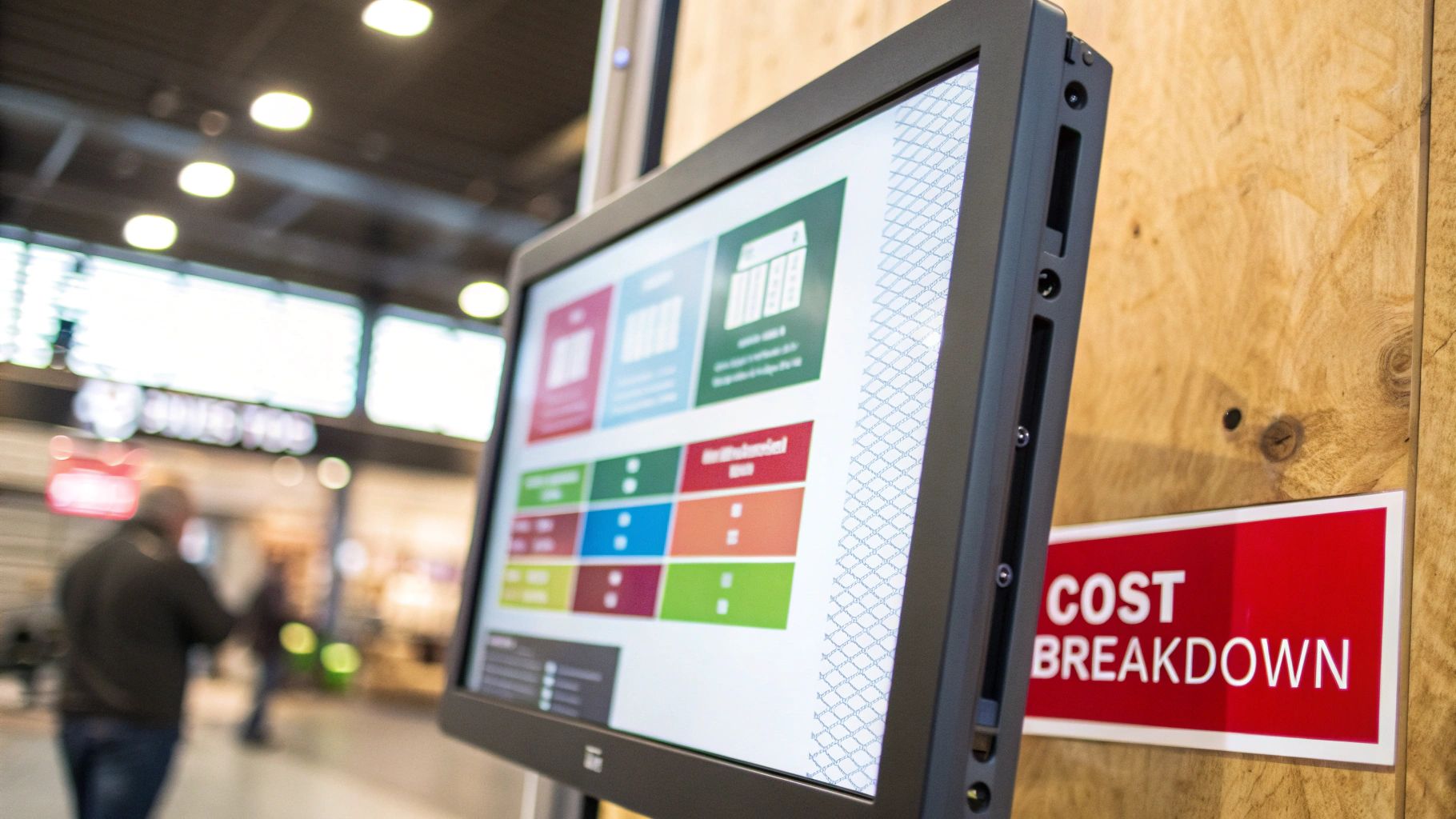
The labels themselves are, of course, the main event. The price can swing wildly depending on what you need them to do. A small, basic black-and-white tag is one thing, but a large, vibrant, full-color HD label made to shout about your latest promotion is a completely different beast, with a price tag to match.
Understanding Tag Types and Features
The kind of tag you select has the biggest influence on your budget. Each one is built for a specific job, whether it's just showing a price or displaying rich, engaging content.
- E-Paper Displays: This is the workhorse of the ESL world. Using the same e-ink technology found in e-readers, these tags are incredibly power-efficient, with batteries that can last for years. They're all about crisp, easy-to-read text. You can see the full range of possibilities in our guide to e-ink signage.
- Color Capabilities: Your most basic tags are black-and-white. The next step up adds a third color—usually red or yellow—which is perfect for making sale prices pop. For maximum visual punch, full-color HD labels are the way to go, though they naturally represent a bigger investment.
- Durability and Specialization: Think about your store's environment. Tags destined for the freezer aisle or the humid produce section need tougher casings and specialized components to survive, and that adds to the cost.
The big takeaway here is that there's no "one-size-fits-all" solution. The smartest approach is to mix and match tag types across your store, using the right tool for the right job to balance performance with your budget.
The Network Infrastructure Backbone
The tags are the stars of the show, but they can't work alone. They need a solid communication network to function, and that means installing gateways or access points throughout your store.
Think of these little devices as specialized Wi-Fi routers. They create a low-power network that lets your main system talk to every single tag, sending out price changes or promo updates instantly and reliably.
How many you'll need depends entirely on your store's layout. A wide-open big-box store might get by with just a few, but a shop with lots of narrow aisles or thick concrete walls will need more to ensure a strong signal reaches every corner.
It’s also important to remember that this hardware doesn't exist in a vacuum. It has to connect with your other retail tech, especially your Point of Sale (POS) system. If you're looking for more info on that, this guide on choosing the best POS for your Shopify store is a great resource.
This entire ecosystem is growing fast. The electronic shelf label market was valued at an estimated USD 2.34 billion in 2024 and is on track to hit USD 4.18 billion by 2029. That growth is being fueled by new tech that makes pricing and inventory management smarter than ever before.
A Look at Software and Integration Costs
If the electronic shelf labels are the face of your pricing strategy, the software is the central nervous system that makes everything work. This is the engine room, the command center that pushes every price update, promotion, and product detail to the shelf edge. Getting a handle on these software costs is just as important as budgeting for the hardware itself.
Unlike the straightforward purchase of a physical tag, software costs aren't always a one-and-done deal. You'll generally run into two different ways to pay for it, and the best fit really comes down to your business's cash flow, IT resources, and long-term plans.
Comparing Software Pricing Models
Most ESL software providers will offer either a one-time license or a recurring subscription. The one-time license is a big, upfront payment that gives you ownership of that specific software version forever. The catch? You might have to pay again down the line for major upgrades or new features.
The model that's become far more common is Software-as-a-Service (SaaS). Think of it like a Netflix subscription for your pricing system—you pay a monthly or annual fee. This fee typically wraps everything into one predictable cost: the software itself, continuous updates, security, and customer support. Many of today's best systems, like a full-featured ESL Cloud Platform, are built this way so you always have the latest and greatest without any surprise bills.
It's easy to get fixated on the initial number, but you have to look at the total cost of ownership. A SaaS plan might look pricier over a five-year span, but it often bakes in the cost of support and upgrades that you'd have to pay for separately with a one-time license.
Don't Overlook the Cost of Integration
Here’s where a lot of budgets go off the rails: integration. This is the single most underestimated expense when it comes to ESL software. Your fancy new digital tags can't just exist in a vacuum; they have to talk to your other core business systems to be truly effective.
This digital handshake is what makes the magic happen. It ensures that when you update a price in your main system, that change instantly appears on the correct shelf. The two most critical connections are:
- Point-of-Sale (POS) System: This is non-negotiable. The price on the shelf must match the price at the register. Any discrepancy erodes customer trust and creates a logistical nightmare for your staff.
- Inventory Management or ERP System: By linking your ESLs to your inventory data, you can start doing some really smart things, like showing "low stock" alerts right on the tag or even displaying QR codes for customers to order an out-of-stock item online.
The cost to build these bridges can be all over the map. Many ESL providers have ready-made plugins for popular POS and ERP systems, which makes the process cheap and easy. But if you're running on a custom-built or less common platform, you'll likely need to pay for custom development work. This could be a few hundred dollars or climb into the thousands, all depending on the complexity. Make sure you ask any potential vendor about their integration process and the costs involved right from the start.
Planning for Installation and Maintenance
Once you’ve sorted out the hardware and software, it’s time to think about the real-world side of things: getting the system installed and keeping it running. The total electronic shelf tags cost isn't just about what you buy; it's also about the practical expenses of getting everything set up and making sure it works flawlessly for years to come.
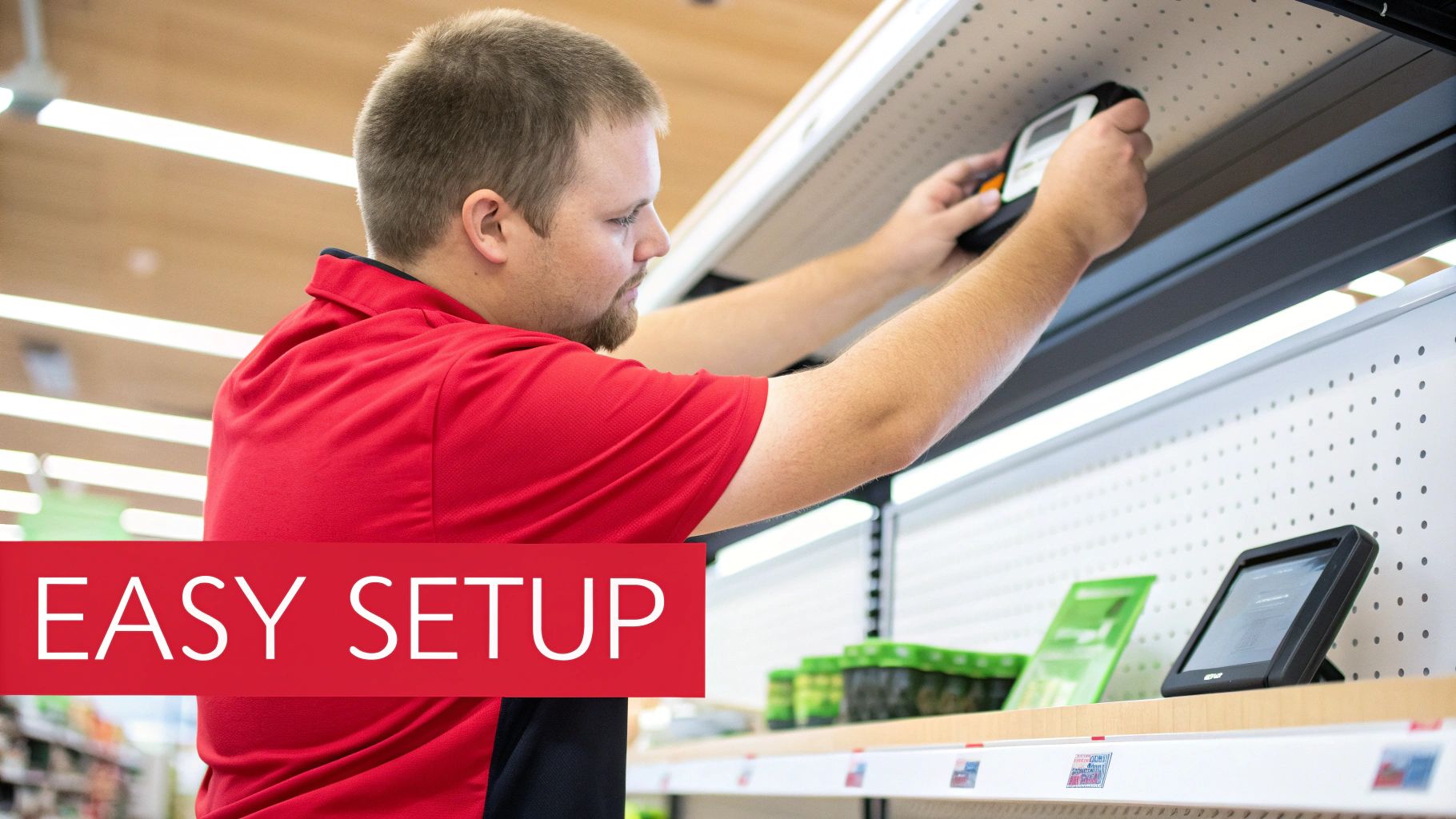
It’s a bit like buying a new appliance. You could try setting it up yourself, call a local handyman, or pay for the store’s white-glove installation service. Each choice comes with different costs and trade-offs, and the same logic applies to installing an ESL system.
You essentially have three paths to get your system up and running. Each has its own pros and cons that will directly hit your budget and timeline. The right choice depends on your team's technical comfort level, the size of your store, and how quickly you need to start seeing a return on this investment.
Choosing Your Installation Path
When you're mapping out the physical rollout, it's not just about the tags themselves. You also need to understand the real mounting service costs involved to avoid surprises. A professional installation might feel like a big upfront cost, but it can save you from expensive mistakes and frustrating delays down the road.
Beyond the installation service, remember you'll also need the right https://www.electronicshelftags.com/accessories-and-mounting-rails/ to get a clean, secure fit on every shelf.
Let's break down the different ways you can tackle the installation.
A Comparison of ESL Installation Methods
Choosing how to get your ESL system installed is a critical decision that balances cost, speed, and expertise. The table below compares the three main approaches to help you decide which is the best fit for your business.
| Installation Method | Best For | Potential Pitfalls | Typical Cost Impact |
|---|---|---|---|
| DIY (In-House Team) | Small stores with a tech-savvy team and a straightforward layout. | Can be slow; risks improper gateway placement, leading to poor signal coverage. | Lowest upfront cash cost, but high "soft cost" in staff time. |
| Third-Party Contractor | Retailers needing a balance of cost-effectiveness and professional expertise. | Quality can vary; requires careful vetting to find an experienced installer. | Moderate one-time fee; often more affordable than vendor services. |
| Vendor Installation | Large chains or stores that want a guaranteed, turnkey solution. | The most expensive option. | Highest one-time cost, but often includes training and performance guarantees. |
Ultimately, the best method depends on your internal resources and risk tolerance. A DIY approach saves money but costs time, while a full-service vendor installation gets it done right but comes at a premium.
Budgeting for Long-Term Maintenance
Your planning can't stop once the tags are on the shelves. This is a business-critical piece of technology, and like any other system, it needs ongoing support to stay reliable. This is where maintenance costs enter the picture.
A common mistake is to only budget for the initial setup. Factoring in long-term support from the beginning prevents unexpected expenses and protects your investment for its entire lifespan.
Before you sign any contract, make sure you have solid answers to these questions:
- What does the warranty cover? You need to know the exact terms for replacing tags that fail due to a manufacturing defect.
- What are the support terms (SLA)? What kind of technical support is included? Is it available 24/7? What are the guaranteed response times when something goes wrong?
- How much do replacement tags cost? It's inevitable. Some tags will get damaged by shopping carts, spills, or accidents. Find out the out-of-warranty replacement cost ahead of time.
- Are software updates included? If you’re paying a one-time license fee, ask if there are extra charges for future software upgrades and critical security patches.
Calculating Your Return on Investment
When you look at the total electronic shelf tags cost, it’s easy to get fixated on the initial number. But that's only half the story. The real conversation starts when we shift from outlay to long-term value, because this technology is designed to pay for itself—and then some. Your return on investment (ROI) isn't just a hopeful projection; it's a measurable result that comes from real-world savings and new strategic possibilities.
The most immediate win is the massive cut in labor costs. Just think about the hours your team currently sinks into printing, cutting, and manually swapping out thousands of paper labels for every single price change or promotion. It's a slow, monotonous task that pulls your people away from what they should be doing: helping customers and managing the floor.
The Clear Financial Wins
By automating price updates, you get all those hours back. In fact, market analysis consistently shows that stores using ESLs cut down on about 3 manual labor hours per week per store. Over a year, that’s more than 150 hours of productive time reclaimed for just one location. If you're interested in the broader trends, this detailed report on the ESL market is a great read.
Another huge area for savings is pricing accuracy. When the price on the shelf doesn't match the price at the register, it’s more than just an annoyance. It chips away at customer trust and can even lead to legal fines. ESLs make that problem disappear, guaranteeing 100% accuracy across the store. This simple fix helps keep customers happy and protects your business from expensive mistakes.
Calculating ROI is about seeing ESLs not as an expense, but as a powerful tool for cost reduction and revenue growth. The technology directly addresses operational inefficiencies that quietly drain profits every single day.
Unlocking Strategic Advantages
Once you get past the obvious savings, you start to see where ESLs really shine: the strategic opportunities they create. These aren't just small tweaks; they open up new ways to drive revenue and help you react faster than the competition.
- Dynamic Pricing: Imagine being able to instantly match a competitor's price drop. Or you could automatically lower the price on perishable goods as they near their expiration date, turning potential waste into revenue.
- Instant Promotions: Want to run a flash sale? You can launch it store-wide in seconds. There's no more waiting for signs to be printed and distributed, so you can jump on sales opportunities the moment they appear.
- Enhanced Inventory Management: Some ESL systems can show stock levels right on the tag or even send an alert when an item is running low, helping you avoid empty shelves. For a closer look, see our guide on how advanced shelf tracking systems can take this even further.
To really get the most out of your ESL investment, you’ll want to pair the technology with actionable strategies for increasing operational efficiency throughout your operations. When you bring it all together, you’re not just saving money on paper and labor—you’re building a smarter, more agile, and ultimately more profitable retail business.
Diving Into the Real Cost of Electronic Shelf Labels
Making a big tech jump, like switching to electronic shelf labels, naturally brings up a lot of questions. The biggest one? "What's this actually going to cost me?" It's a fair question, but the answer isn't just about the price of the tags themselves. Let's break down the common financial questions retailers have to give you a real-world picture of the investment.
The first thing everyone wants to know is the price tag on the tags. It's the most visible part of the budget, so let's start there.
What's the Price for a Single Electronic Shelf Tag?
You can expect a single electronic shelf tag to run anywhere from $3 to over $15. That’s a pretty big range, I know. The reason for the gap is that these tags aren't a one-size-fits-all deal. The final price really depends on what you need them to do.
- Size Matters: A small tag for a single spice jar is going to be much cheaper than a large, vibrant one you’d use on an endcap display.
- Color Capabilities: Your basic black-and-white e-paper display is the most budget-friendly option. If you want to add a third color, like red or yellow, to make promotions pop, the price bumps up a bit. Full-color, high-definition displays? Those are the premium models.
- Special Features: Need tags that can handle the cold of a freezer aisle? Or maybe ones with a blinking LED light to guide staff for click-and-collect orders? Those specialized components add to the cost.
Think of it like buying a car. The base model gets you from A to B, but every upgrade—from a bigger engine to a sunroof—adds to the sticker price.
Are There Any Hidden Costs I Should Plan For?
Yes, and knowing about them upfront is the secret to a realistic budget. The most common "gotcha" can be software integration. If the ESL system you choose doesn't already have a ready-made connection to your Point-of-Sale (POS) or inventory software, you'll likely need to pay for custom development to get them talking to each other.
Pro Tip: Always ask a potential provider for a Total Cost of Ownership (TCO) estimate. This shifts the conversation from the simple per-tag price to everything else you'll need for a system that works for years to come.
A few other costs to keep on your radar include:
- The Network Gear: The ESLs need a way to communicate. This means installing gateways or access points throughout your store.
- Professional Installation: While a small boutique might be able to set up a few dozen tags on their own, most stores need a pro. They'll make sure your network coverage is perfect and the rollout goes off without a hitch.
- Ongoing Fees: If you go with a Software-as-a-Service (SaaS) model, you'll have a recurring subscription. For systems bought with a one-time license, you might still have separate fees for tech support or major software updates down the line.
How Long Does It Take to Get My Money Back?
Most retailers find they hit a positive return on their investment (ROI) within 12 to 36 months. Of course, your mileage may vary depending on how your store operates.
A grocery store with thousands of products and constant price updates will probably see a return much faster. They're saving a massive amount of time on labor by not having to manually change paper tags, and they can reduce food waste by using dynamic pricing for items nearing their expiration date. On the other hand, a small clothing boutique with fairly stable pricing might take a bit longer to see the financial return, but they still get huge benefits from perfect pricing accuracy and a more modern, tech-forward shopping experience.
Can I Just Install the System Myself to Save a Few Bucks?
Going the DIY route can look tempting as a way to trim the initial electronic shelf tags cost, but it's usually a lot trickier than it seems. A good setup is about more than just sticking tags on a shelf.
It involves carefully mapping out where to place the communication gateways to make sure you don't have any dead spots. It means physically mounting potentially thousands of tags and, crucially, getting the software configured just right so it syncs perfectly with your product database. A mistake at any stage can lead to a system that's buggy and a source of constant frustration. For most businesses, paying for a professional installation is a smart move that saves a lot of headaches in the long run.
Ready to see how electronic shelf tags can transform your store's efficiency and profitability? The team at ESLtags specializes in creating tailored solutions that fit your unique needs and budget. Explore our innovative systems and calculate your potential savings today.


Leave a Reply
Your email is safe with us.