

Boosting your operational efficiency is about so much more than just trimming the budget. It’s about building a smarter, more agile retail business from the ground up.
The real path to transforming your store operations stands on four key pillars: automating the tedious work, uniting your disconnected systems, tapping into real-time data from tech like Electronic Shelf Labels (ESLs), and, most importantly, empowering your team to create real value. This is your game plan for turning operational headaches into a serious competitive advantage.
Your Roadmap to Smarter Retail Operations

True operational efficiency means getting products and services to your customers in the most cost-effective way possible, all without ever compromising on quality. It’s about creating a lean, responsive model that fuels sustainable growth. In a market this competitive, the retailers who can turn resources into revenue while keeping standards high are the ones who thrive through shifting customer demands and economic bumps in the road.
This journey starts by taking a hard look at your current processes. Where do your employees spend most of their day? Are there manual, repetitive tasks that are causing bottlenecks or, worse, introducing human error? For many retailers, the answers almost always point to outdated methods for pricing, inventory management, and store communication.
The Four Pillars of Modern Efficiency
To build a framework that actually delivers results, focus your energy on these four core strategies:
- Automate Repetitive Work: Pinpoint and automate the soul-crushing tasks like price updates, stock counts, and daily reporting. This frees up your team to do what they do best: help customers.
- Unify Your Systems: Tear down the data silos between your POS, inventory management, and on-the-floor tech. Creating a single source of truth is a non-negotiable for smart business operations.
- Act on Real-Time Data: Use tools like ESLs to gather and act on live information. This opens the door to dynamic pricing, instant low-stock alerts, and far more accurate forecasting. To see how this is reshaping the industry, check out the latest innovation in retail stores.
- Empower Your Team: Give your staff the tools and streamlined processes they need to work smarter, not harder. This cultivates a culture where everyone is invested in improvement and proactive problem-solving.
When you focus on these areas, you stop treating your operations like a cost center and start seeing them as a strategic asset. The goal is a seamless system where every efficiency gain directly improves the customer experience and strengthens your bottom line.
To help you put these ideas into action, we've created a quick-reference table summarizing the core strategies.
Key Pillars for Improving Operational Efficiency
| Strategy Pillar | Primary Goal | Key Benefit for Your Business |
|---|---|---|
| Automation | Eliminate manual, repetitive tasks | Frees up staff for customer-facing roles, reduces errors |
| System Unification | Create a single, reliable data source | Improves decision-making, ensures consistency across channels |
| Real-Time Data | Enable data-driven, instant actions | Allows for dynamic pricing, proactive inventory management |
| Team Empowerment | Foster a culture of continuous improvement | Increases employee engagement and operational agility |
Think of this table as your starting point. For a much deeper dive into the foundational principles and practical advice, explore these comprehensive strategies for improving operational efficiency. That guide will walk you through the nitty-gritty steps to implement these pillars, turning theory into real, measurable results for your store.
Automating Workflows That Slow You Down
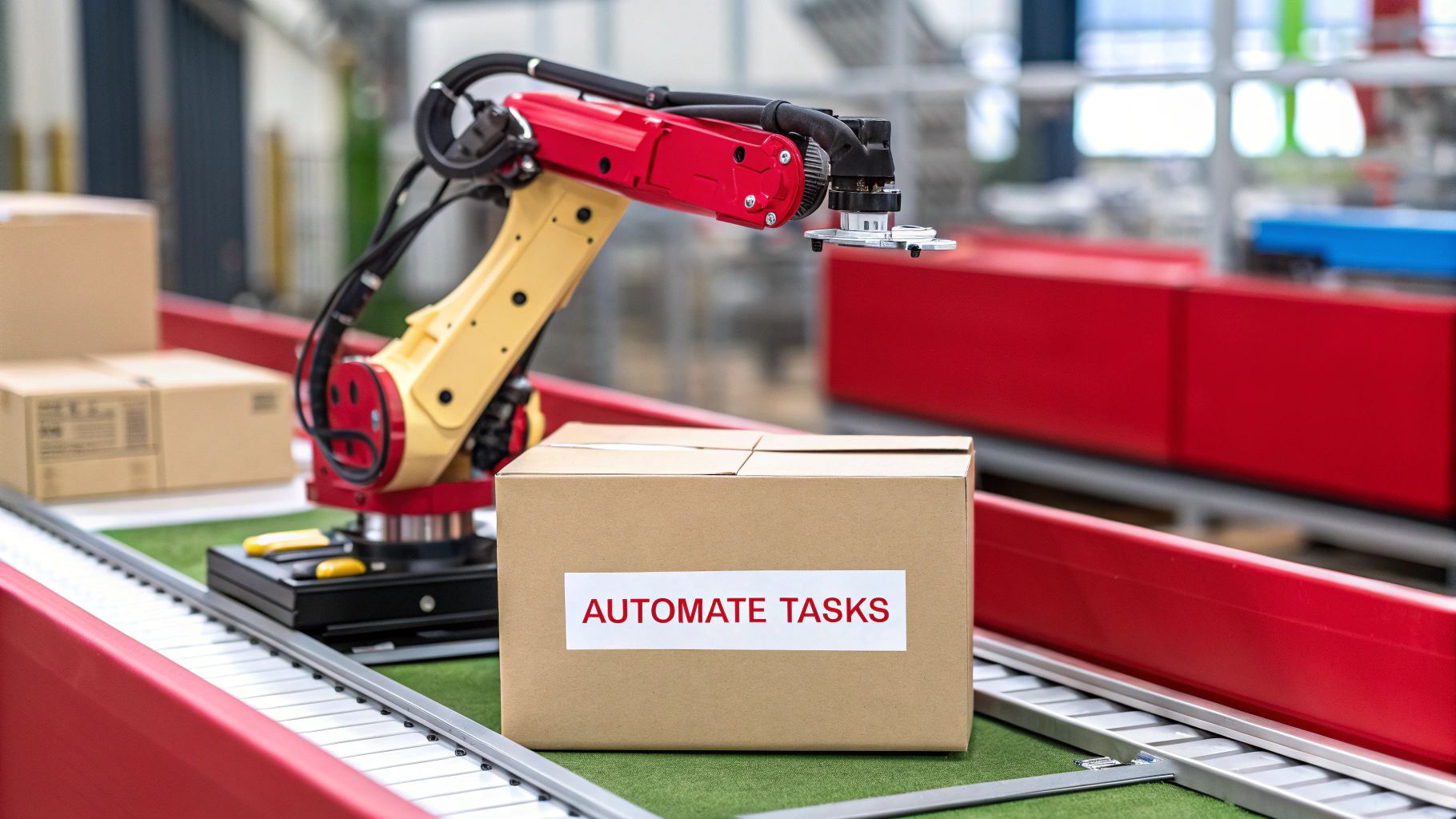
In any retail operation, there are manual processes that quietly eat away at your profits and open the door for costly mistakes. Forget the buzzwords for a second; practical automation is one of the most direct ways to boost your operational efficiency. It all starts by shining a light on the repetitive, rule-based tasks that are bogging down your team.
Think about the daily grind in your store. How much time do your people really spend printing, cutting, and swapping out paper price tags for a weekend sale? How many hours are lost to double-checking inventory counts against what the POS system says? These are the exact bottlenecks that are prime candidates for automation.
Pinpointing Your Biggest Time Sinks
Before you can fix the problem, you need to know exactly what it is. This isn't about buying fancy software—it’s about simple observation. Just for one week, ask your team leaders to track the time their staff spends on routine tasks that don't involve helping customers.
You’ll probably uncover patterns you never even knew existed. I once worked with a grocery retailer who discovered their team was spending a combined 15 hours per week just making sure the promotional prices on the shelves matched what was in the checkout system. That one task was a massive resource drain.
Common areas where manual work creates drag include:
- Price Updates: Manually changing tags for sales, promotions, or supplier price adjustments.
- Inventory Reporting: Pulling data from different places just to get a daily stock overview.
- New Stock Data Entry: Keying in new product information into your POS and inventory systems.
- Compliance Checks: Ensuring all pricing and product info meets regulatory standards.
Once you’ve identified your top two or three time-consuming tasks, you have a clear target. Don't try to solve everything at once. Focus on the bottlenecks that will give you the biggest and fastest return.
Redesigning Workflows, Not Just Digitizing Them
Here’s where many retailers go wrong: they just digitize a broken process. The real power of automation comes from completely redesigning the workflow itself.
Take that pricing workflow we just talked about. Instead of just looking for a faster way to print labels, a truly redesigned process gets rid of paper labels entirely.
Real-World Example: A Price Update Overhaul
A mid-sized electronics retailer was constantly chasing their tail with price changes from competitor matching and manufacturer rebates. Their manual process was a nightmare:
- An analyst would build a spreadsheet of all the price updates.
- The store manager had to print hundreds of new paper tags.
- Associates then spent hours walking the floor, trying to find and replace every single tag.
- Mistakes were frequent, leading to unhappy customers and lost money.
By bringing in Electronic Shelf Labels (ESLs), they blew up that old workflow. The new process? An analyst updates prices in the central system, and every tag on the sales floor updates automatically in seconds.
The result was incredible. They reclaimed over 100 staff hours per week across their stores and completely eliminated pricing errors. This is a perfect example of how the right automation in the retail industry doesn't just speed up a task—it makes it obsolete.
Implementing the Right Tools
You don't need a massive IT budget to get started. Many modern retail platforms already have automation features built in or can easily connect with other tools.
- For Inventory: Look for systems that can automatically flag items for reorder when stock hits a certain level.
- For Reporting: Use dashboard tools that pull data directly from your POS, so no one has to build spreadsheets by hand anymore.
- For Pricing: ESLs are the gold standard here. They give you instant, accurate, store-wide price updates from one central dashboard.
The key is to start small. Prove the value with one redesigned workflow, get that win, and then build momentum from there. When you methodically replace manual friction with smart automation, you create a much more resilient and profitable business.
Unifying Your Technology for a Single Source of Truth

Are your software tools creating more problems than they solve? It’s a classic retail headache. Your point-of-sale (POS) system, inventory platform, and staff scheduler all operate in their own little worlds. This patchwork of disconnected systems isn't just inefficient—it's a massive drain on your resources.
When these systems don't talk to each other, you get data silos. This is where sales data doesn't automatically update your inventory counts, forcing manual checks and leading to those frustrating stock discrepancies. This siloed approach is more than just an annoyance; it actively prevents you from making smart, timely business decisions.
Believe me, this isn't a rare problem. A 2025 workplace survey of 200 enterprise leaders found that 50% of businesses use an average of 17 disconnected worktech platforms. Only a tiny 4% reported having fully integrated systems. The hit to productivity is staggering, with 37% of companies needing 11 or more full-time employees just to manually wrangle operational data. You can dig into more of these stats on the challenges of disconnected platforms.
Auditing Your Current Tech Stack
The first step toward fixing this mess is to take a hard, honest look at what you’re already using. Don't just make a list of software. Instead, map out how information actually flows—or more likely, where it gets stuck.
Get your team involved and ask some pointed questions to uncover the hidden pain points:
- Where are we still doing manual data entry? Is someone spending an hour every night copying sales numbers from the POS into an inventory spreadsheet?
- What information is always out of sync? Does your e-commerce site constantly show different stock levels than what’s actually on the shelf?
- Which reports are a nightmare to generate? If it takes hours to pull a simple sales-versus-stock report, your systems are fighting against you, not for you.
This audit will shine a spotlight on your biggest data gaps and show you exactly where an integration will deliver the most bang for your buck.
A "single source of truth" isn't just some tech buzzword; it's a practical, achievable goal. It means having one central, reliable hub where all your operational data comes together, giving you an accurate, real-time picture of your entire business.
Prioritizing Key Integrations
You don’t have to connect everything at once. The key is to start with the integrations that create the most seamless operational chain. From what I’ve seen, these are the connections that deliver the highest value for most retailers:
- Point of Sale (POS) and Inventory Management: This is non-negotiable. When an item is sold, your inventory system should know about it instantly. No exceptions.
- Inventory Management and Electronic Shelf Labels (ESLs): Linking these two automates on-shelf information like stock counts or prices, finally killing the need for manual checks and paper label changes.
- POS and Customer Relationship Management (CRM): This integration is your secret weapon for building detailed customer profiles, tracking buying habits, and personalizing your marketing.
The idea is to create a domino effect. A single scan at the checkout should trigger a cascade of automated updates across your entire tech stack, from stock levels right down to the display on the shelf.
The Power of Open APIs
As you look at new technology, make open APIs a top priority. Think of an open Application Programming Interface (API) as a universal adapter. It's what allows different software programs to communicate and share data with each other seamlessly.
Real-World Scenario: Creating a Seamless Chain
A mid-sized specialty foods store I know was constantly struggling with stockouts of their most popular items. Their POS and inventory platforms were completely separate. By switching to a modern POS with an open API, they were able to connect it directly to their inventory software and newly installed ESLs.
Now, their workflow is completely automated. When a customer buys a jar of artisanal honey:
- The sale is recorded in the POS.
- The inventory count for that specific honey is instantly reduced by one.
- The ESL on the shelf can be set to display the new, lower stock count in real-time.
- If the stock level dips below a preset threshold, an automatic reorder alert is sent to the purchasing manager.
This one integration completely transformed how they managed inventory. They boosted their operational efficiency by cutting out hours of manual work and nearly eliminated stockouts of their best-selling products.
The right integrations turn your data from a backward-looking record into a powerful, predictive tool. You can find out more about how to make this happen in our guide to big data for retail.
Using Smart Tech Like ESLs And AI To Get Ahead
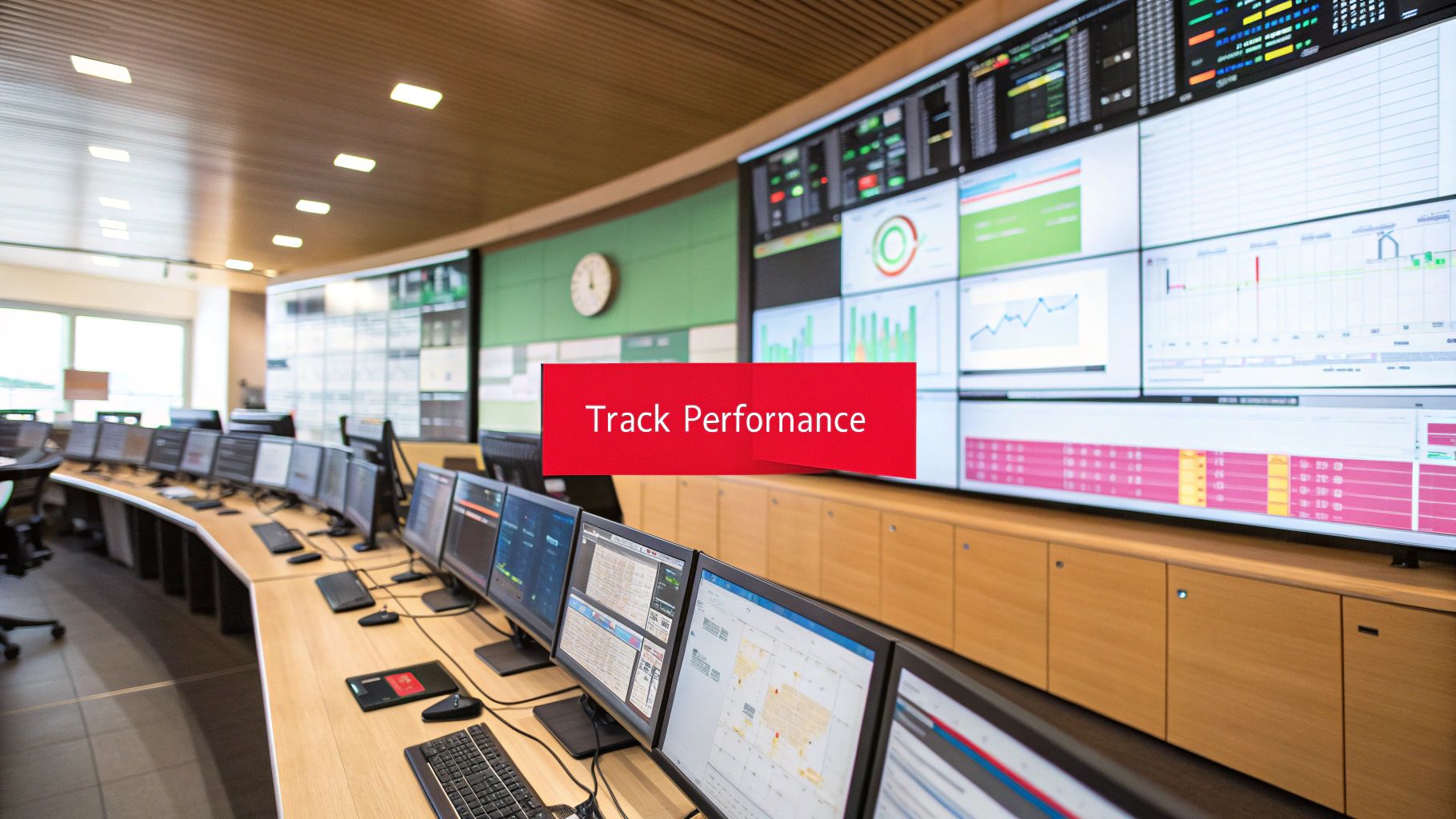
Once your core systems are fully integrated, you move from reacting to problems to predicting them. Adding Electronic Shelf Labels (ESLs) and artificial intelligence makes that shift feel natural.
These tools aren’t just flashy gadgets—they form the backbone of a genuinely intelligent store.
More Than Just A Price Tag
ESLs have outgrown the simple role of updating price stickers. Today, they’re interactive displays that speak to staff and shoppers alike.
- Dynamic Pricing In Action: Drop prices on near-expiry produce automatically as the end of the day approaches. No manual swaps required.
- On-Shelf Stock Levels: Real-time counts on labels answer “Do you have more in the back?” the moment someone asks.
- Guided Order Picking: Flashing tags guide pickers straight to items for online orders, cutting search time and errors.
This kind of automation turns static shelves into a live data network. For deeper insight, check out our guide on electronic shelf labelling.
The true strength of ESLs lies in instant, data-driven decisions at the shelf edge—whether you’re launching a flash sale or fine-tuning margins.
Connecting The Dots With Artificial Intelligence
ESLs handle execution; AI provides the brains. The result is a system that learns, predicts, and acts without human intervention.
Artificial intelligence sifts through sales histories, weather alerts, local events, and marketing plans to forecast demand with pinpoint accuracy. Explore the core benefits of AI for business to see why this matters.
Key Operational Impacts
Companies using AI-driven supply chains report:
- 15% reduction in logistics costs
- 35% lower inventory levels
- 65% boost in service efficiency
Manual Tasks vs AI-Driven Automation
Compare how routine retail duties transform once ESLs and AI take over:
| Retail Task | Manual Method (Time & Error Rate) | ESL & AI Automated Method (Time & Error Rate) |
|---|---|---|
| Price Updates | 60 min & 5% error | 5 min & <1% error |
| Inventory Checks | 120 min & 10% error | 2 min & 2% error |
| Order Picking | 45 min & 7% error | 15 min & 1% error |
| Promotion Announcements | 30 min & 4% error | <1 min & <1% error |
By automating these tasks, your team spends less time firefighting and more time on strategy.
A Glimpse Into An AI-Driven Store
Imagine a weekend forecast calling for sun and heat. Your AI system:
- Predicts a spike in barbecue sauce, buns, and sunscreen.
- Automatically places orders to avoid stockouts.
- Spots slow movers, suggests bundle promotions.
- Updates all shelf tags with one click—no manual work.
In this setup, your staff aren’t just solving yesterday’s problems; they’re gearing up for tomorrow’s success.
Give Your Team the Right Tools and Processes to Shine
Technology is only half the battle. You can have the most sophisticated systems in the world, but they'll fall flat if the people using them aren't properly trained, engaged, and empowered. When you free your employees from soul-crushing tasks like manual price updates or endless stockroom hunts, they can finally focus on what they do best—creating fantastic customer experiences.
But this kind of transformation doesn't just happen on its own. It takes a deliberate strategy that puts your team right at the heart of your operational upgrades. It’s about building a culture where technology serves your people, not the other way around.
From Task-Doers to Problem-Solvers
Something amazing happens when you arm your team with better tools and smarter processes. They stop being just task-doers, mechanically checking off a list. They become proactive problem-solvers who can make a real difference on the sales floor.
Think about an associate with a handheld device linked directly to your inventory system and ESLs. A customer asks if you have a product in a different size. Instead of the classic, "Let me go check in the back," they can instantly confirm stock levels, pinpoint its location, and even pull up complementary products to suggest—all without ever leaving the customer's side.
This doesn't just elevate their role; it directly pumps up your bottom line. Research consistently shows that engaged employees are more productive, and businesses with highly engaged teams see 23% greater profitability.
When your team feels equipped and confident, job satisfaction goes through the roof. This means lower turnover—a massive operational win that saves you a small fortune in recruiting and training costs.
Create a Culture of Continuous Feedback
Rolling out new technology without talking to the people who will actually use it every day is a recipe for failure. Your frontline staff are the true experts on your store's workflows. They know the bottlenecks, the workarounds, and where the real friction points are.
Gathering their feedback isn't a one-and-done event; it needs to be an ongoing conversation. Make it easy for them to share what's on their minds.
- Hold regular check-ins. Brief weekly huddles focused on process can work wonders. Ask simple questions like, "What task ate up the most time this week?" or "Did the new system cause any weird hiccups?"
- Set up a digital suggestion box. A shared document or a dedicated channel in your team chat app is perfect for this. It lets people drop ideas or flag issues the moment they happen.
- Run pilot programs. Before a full rollout, pick a small group of employees to test the new tech. Their hands-on experience will uncover practical challenges you'd never see on a spreadsheet.
This feedback loop does more than just fine-tune your operations. It proves to your team that their expertise matters, and that's a powerful motivator.
Training That Actually Sticks
Let's be real: a rushed, one-hour training session on a new system is not going to cut it. For new habits to stick, you need an approach that’s all about practical application and ongoing support.
Train for Real-World Scenarios
Instead of just walking them through a list of software features, build your training around the actual situations they face every single day.
- The "Price Challenge": Have a "customer" question a price on the shelf. The employee has to use the ESL system to instantly verify it and explain the current promotion.
- The "Low Stock" Drill: Simulate a scenario where a hot-selling item is running low. The employee needs to use their device to confirm backstock and alert a manager to restock the shelf.
- The "Online Order" Race: See how fast an employee can pick an online order using ESLs that flash to guide them straight to the right products.
This hands-on approach builds muscle memory and real confidence. It turns training from a boring lecture into a practical, almost game-like exercise that sets your team up for success from day one. When you invest in your people this way, you’re not just making operational changes—you’re making lasting improvements.
Measuring Your Success and Planning What's Next
So you've implemented some new tech and tweaked your workflows. That's a huge step, but how do you actually know if it’s working? To really lock in those operational gains, you have to measure the impact of your changes. It all starts by establishing a crystal-clear baseline before you begin.
Before you roll out a single ESL or automate any tasks, capture your current performance data. Think of it as the "before" picture for your store's efficiency. Without this snapshot, you're just guessing at your return on investment.
Key Performance Indicators to Track
Your baseline needs to include specific, measurable Key Performance Indicators (KPIs) that get to the heart of your operational health. Don't get lost in vanity metrics; focus on what truly reveals the cost and speed of your retail operations.
A few essential KPIs to get on your dashboard include:
- Labor Cost Per Transaction: How many staff hours and how much in wages does it take to process a set number of sales? If this number starts to drop, you know your team is becoming more effective.
- Order Fulfillment Time: This is the stopwatch metric. Measure the average time from the moment an online order is placed to when it's packed and ready for pickup or shipping. Faster times lead directly to happier customers.
- Inventory Turnover Ratio: This KPI tells you how quickly you're selling through stock and replacing it. A higher ratio is a great sign, often pointing to strong sales and sharp inventory management. We have a detailed guide on the inventory turnover ratio calculation if you want to dive deeper.
- Pricing Error Rate: Get honest about this one. Track every single pricing discrepancy, whether it's flagged by a customer or caught internally. A core promise of ESLs is to crush this number and get it as close to zero as possible.
By tracking these metrics from day one, you transform your efficiency efforts from a hopeful expense into a data-backed strategic investment. The numbers will tell a clear story of your success.
Creating a Cycle of Continuous Improvement
Getting efficient isn't a one-and-done project. It’s an ongoing cycle of refinement. Once your new systems are humming along and the data is flowing in, the real work of long-term optimization begins.
Put regular review meetings on the calendar—quarterly is a great place to start—to dig into your performance data. Look for trends. Did fulfillment times lag during the holiday rush? Is a new product launch messing with your inventory turnover? These conversations are where you'll spot small bottlenecks before they grow into massive headaches.
This continuous loop of measure, analyze, and refine is what separates the good retailers from the great ones. It ensures your business stays agile, competitive, and ready for whatever comes next.
Have Questions? We Have Answers
When you're looking to make your store run smoother, a few questions always pop up. Here are some quick, no-nonsense answers to the things we hear most often from retailers just like you.
What's the First Step for a Small Retail Business?
The best way to start is to become an observer in your own store. Seriously. Grab a notepad and track your most repetitive, time-sucking manual tasks. What are your people doing over and over again? It's usually things like weekly price updates, manual inventory counts, or pulling daily sales reports.
Once you pinpoint the biggest time sinks, you know exactly where a small change or a bit of automation will give you the most bang for your buck. It’s about getting a big win right away without having to make a massive upfront investment.
Are Electronic Shelf Labels Worth It for Just One Store?
For a single location, the math on ESLs comes down to two things: how often you change prices and how complex your inventory is. If you're running promotions all the time or juggling a huge, diverse product catalog, the ROI becomes a no-brainer.
Think about the labor you'll save by never having to swap a paper tag again. That alone is huge. But more importantly, ESLs nearly eliminate pricing errors, which is a massive trust-builder with your customers and keeps you compliant. A quick way to see the potential is to just calculate the hours your team spends on pricing each week. You'll be surprised how fast that investment can pay for itself.
We've seen stores that change just 500 prices a week save over 10 hours of labor. When you look at it that way, the payback period gets surprisingly short.
How Can I Improve Efficiency on a Tight Budget?
You don't need a huge budget to make a real difference. The key is to focus on refining your existing processes and finding smart, low-cost ways to automate. Start by standardizing your workflows. Create a simple, documented "best way" to do common tasks so everyone is on the same page and working efficiently.
You can also get creative with the tools you already have, like using shared spreadsheets with conditional formatting to flag issues. There are also plenty of no-code platforms out there that can help you automate simple data transfers between the apps you're already using. It's all about making small, consistent improvements—they add up to significant gains over time.
Ready to put an end to pricing errors and get hundreds of staff hours back? See how ESLtags can automate your store operations and boost your bottom line. Learn more at https://www.electronicshelftags.com.


Leave a Reply
Your email is safe with us.